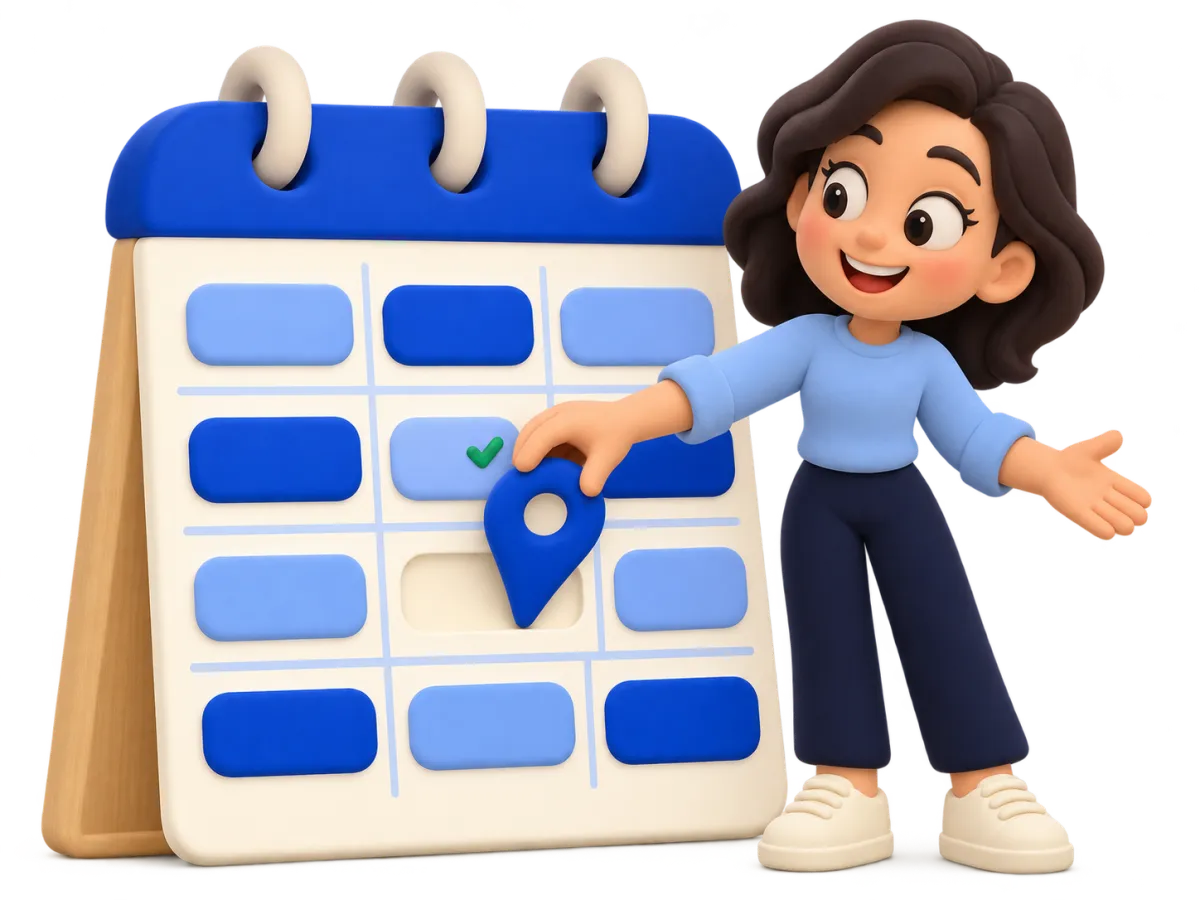
"When would suit you?"
Send a link to your booking page instead. Customers see only the moments you are actually free and choose one themselves. The appointment appears in your calendar straight away.
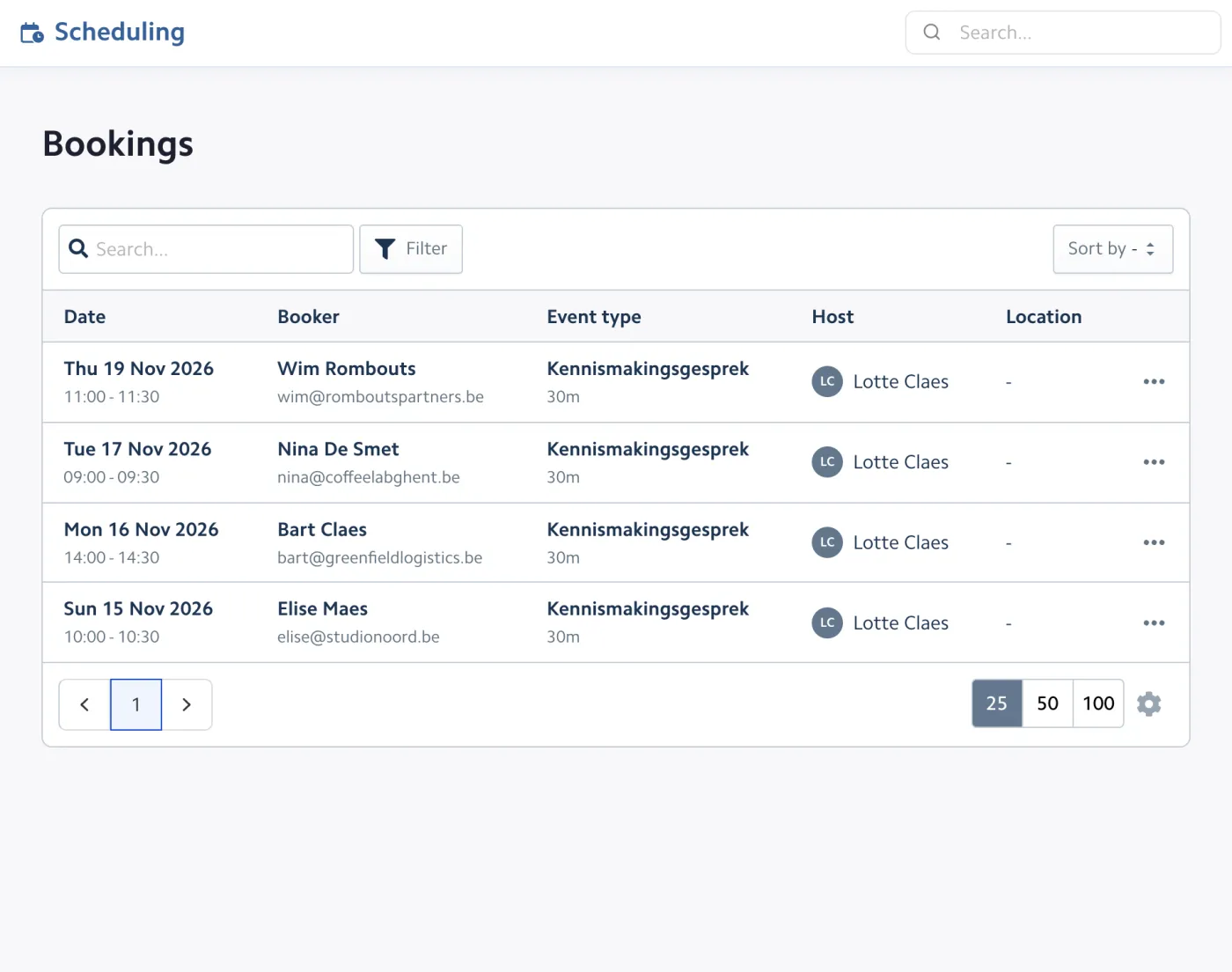
Share your booking page and let customers pick a free moment themselves. Bizzey checks your Google or Outlook calendar, blocks the slot and keeps every appointment linked to the right customer.
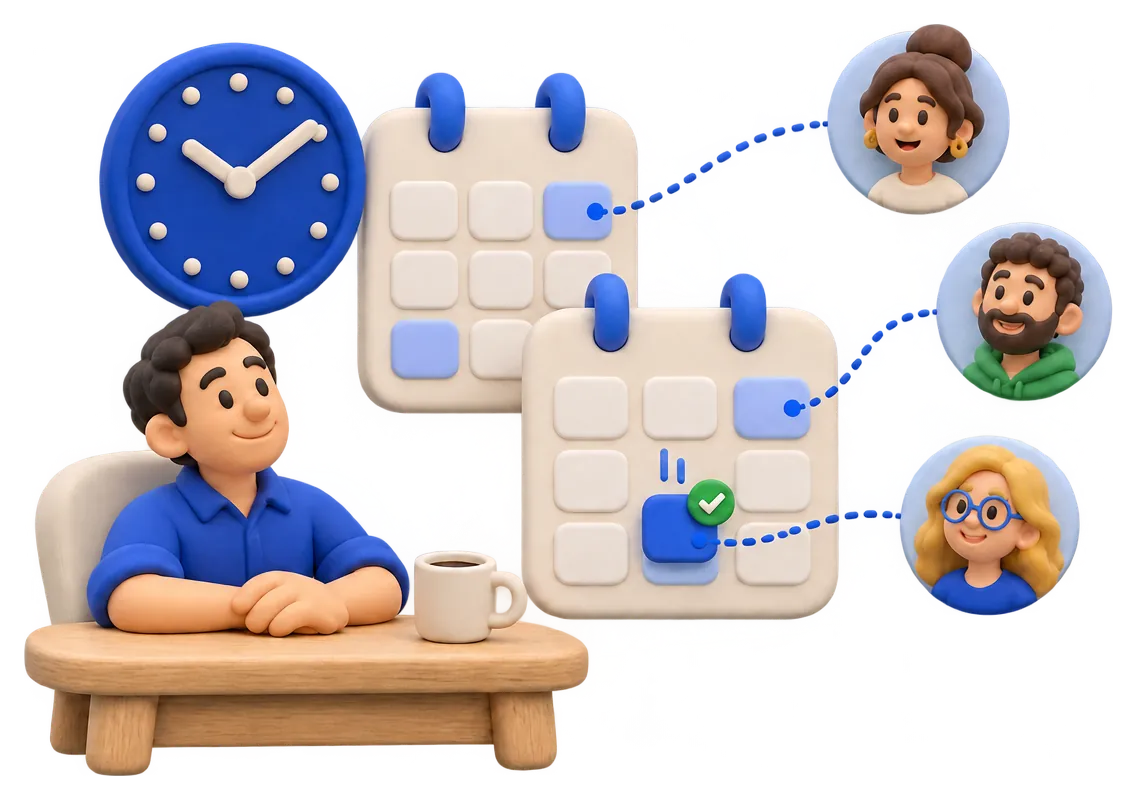
Planning an appointment by email easily takes five messages. With Bizzey your customer books in one go, and you stay in control of your agenda.
Send a link to your booking page instead. Customers see only the moments you are actually free and choose one themselves. The appointment appears in your calendar straight away.
Decide which days and hours are bookable, add buffers before and after a meeting, set a minimum notice and limit how many bookings you accept per day or week.
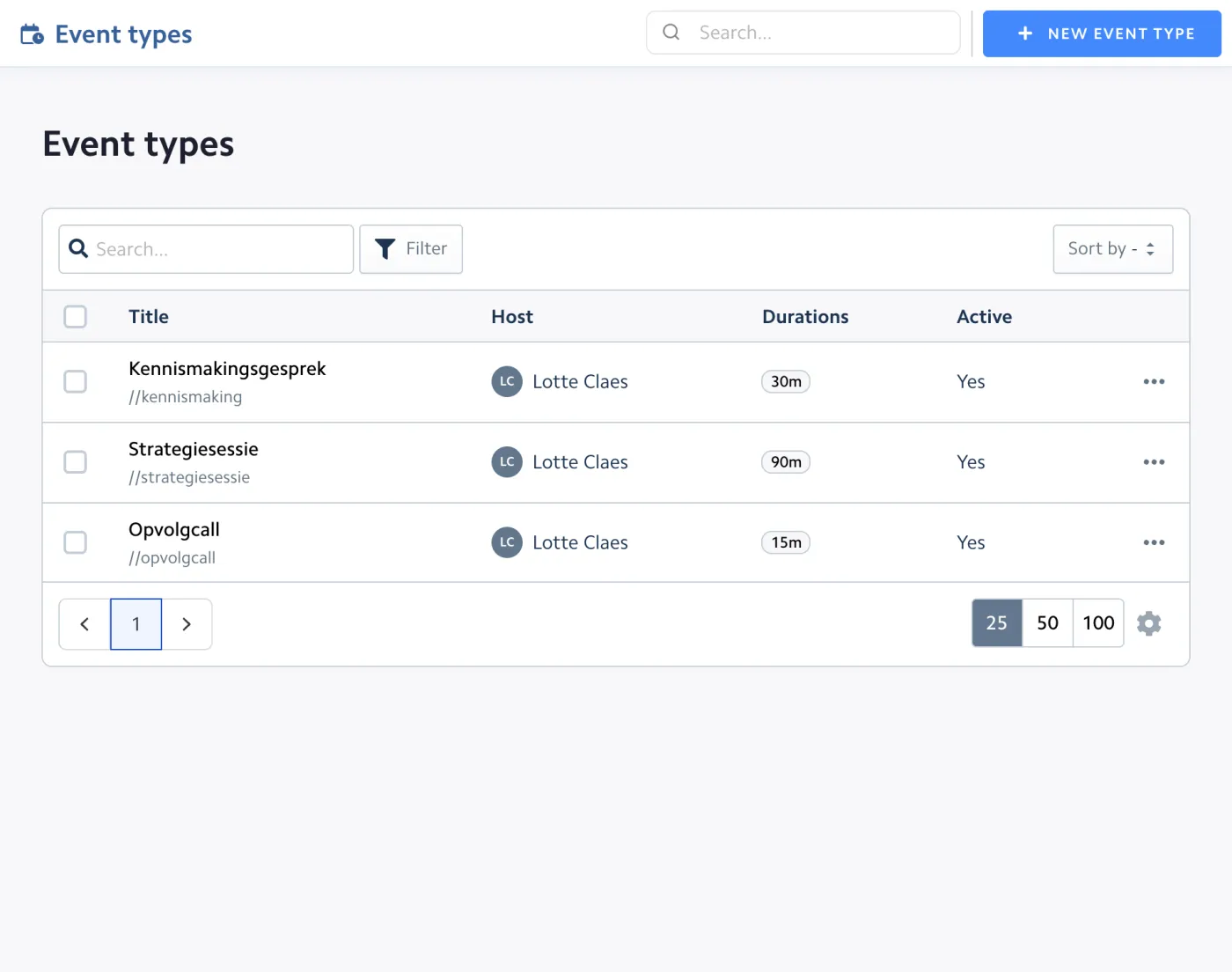
Connect your Google or Outlook calendar. Bizzey checks it for conflicts and shows your appointments next to your tasks, so you have one overview of your week.
Calendar events can be linked to a customer, project or deal. After the meeting you find it back on the timeline of that customer, together with quotes and invoices.
Bookings, meetings and tasks come together in Bizzey, so you always know what your day looks like.
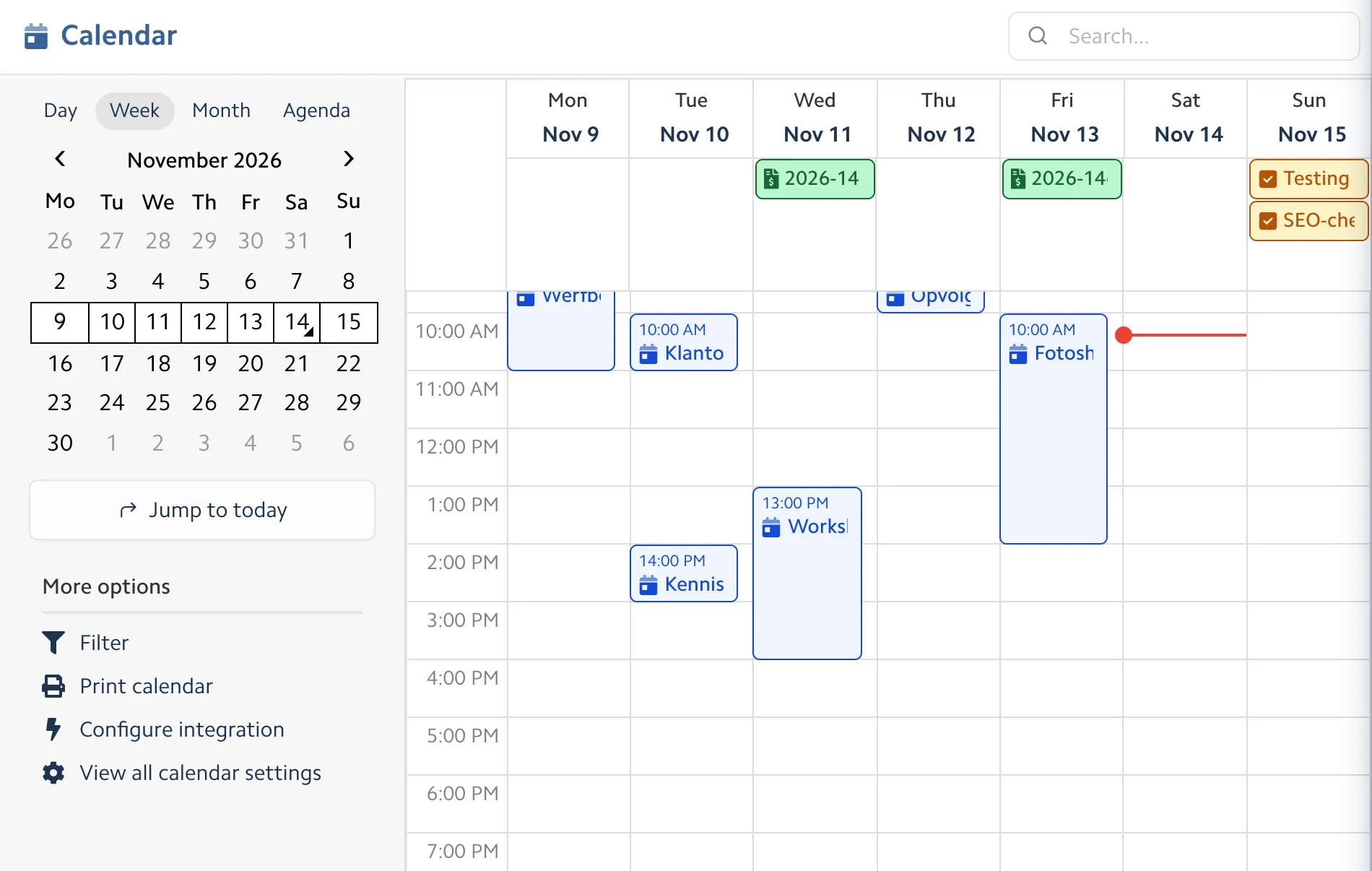
Create event types for an intro call, a workshop or a site visit, each with its own duration, location and availability.
Day, week and month views with all your appointments, synced with Google and Outlook and available as an iCal feed.
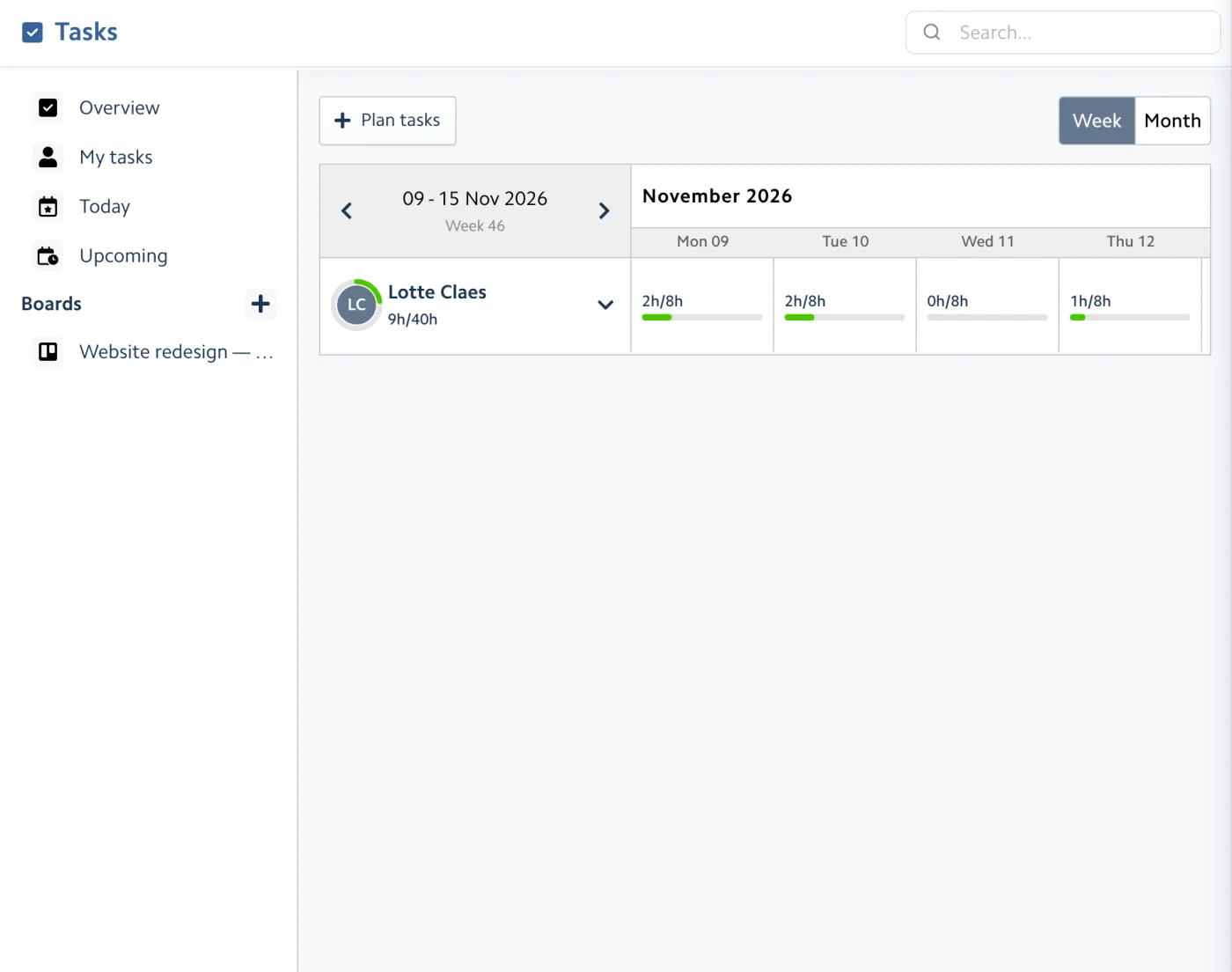
Plan tasks per day and per team member, and see at a glance who has room for more work.
Intro calls, workshops, site visits and more.
One link to share with customers.
Let customers choose 15, 30 or 60 minutes.
On site, by phone or online.
Bookable days and hours per event type.
Time between meetings and a minimum notice.
Maximum bookings per day or week.
Day, week and month.
No double bookings.
Email or notification before an event.
Workload per team member.
Every appointment in the customer file.
Some nice things people have to say.
“Super useful, user friendly, and always growing in new features.”
 Robin De Smedt
“Great app! A lot of great functionality and very cheap.”
 Charlotte Vandenabeele
“Awesome, I love Bizzey. Just what I need.”
 Laurens Eeklo
You share the link to your booking page, for example in your email signature or on your website. Customers choose an event type and a free moment, fill in their name and email, and the booking is confirmed.
Yes. Connect your Google or Outlook calendar and Bizzey uses it to avoid double bookings. Appointments made in Bizzey show up in your calendar as well.
Yes. Per event type you choose the bookable days and hours, the duration, buffers before and after, a minimum notice and how far ahead people can book. You can also limit the number of bookings per day or week.
Yes. Add one or more locations to an event type, such as your office, a phone call or an online meeting link, and the customer chooses when booking.
Yes. Booking pages, the calendar and the planner are part of the single Bizzey plan of €24,99 per month.
Yes. The calendar and planner show appointments and tasks together, so you can plan your work around your meetings.
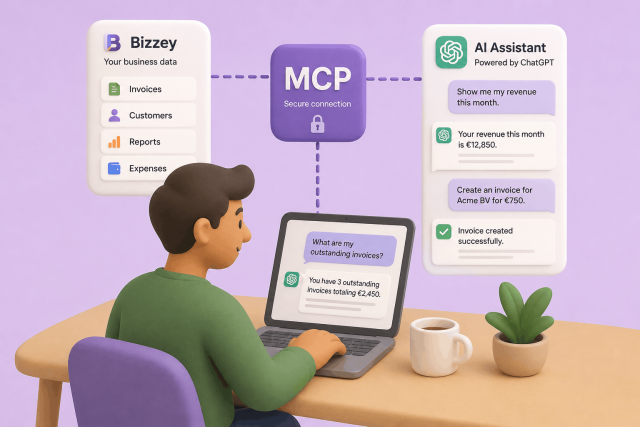
AI assistants are becoming part of many people's daily workflow. They help write content, answer questions, and automate repetitive tasks. With Bizzey MCP, you can now connect your Bizzey account directly to AI platforms such as ChatGPT and other OpenAI-compatible assistants, allowing them to access and work with your business data.
In today's fast-paced digital landscape, efficient customer relationship management (CRM) and targeted email marketing are indispensable tools for businesses striving to stay ahead of the curve.
Sick of uploading your invoices to your accountant manually? Our integration promises to revolutionize financial management between Bizzey and Octopus Accountancy Software.