Know where every project stands
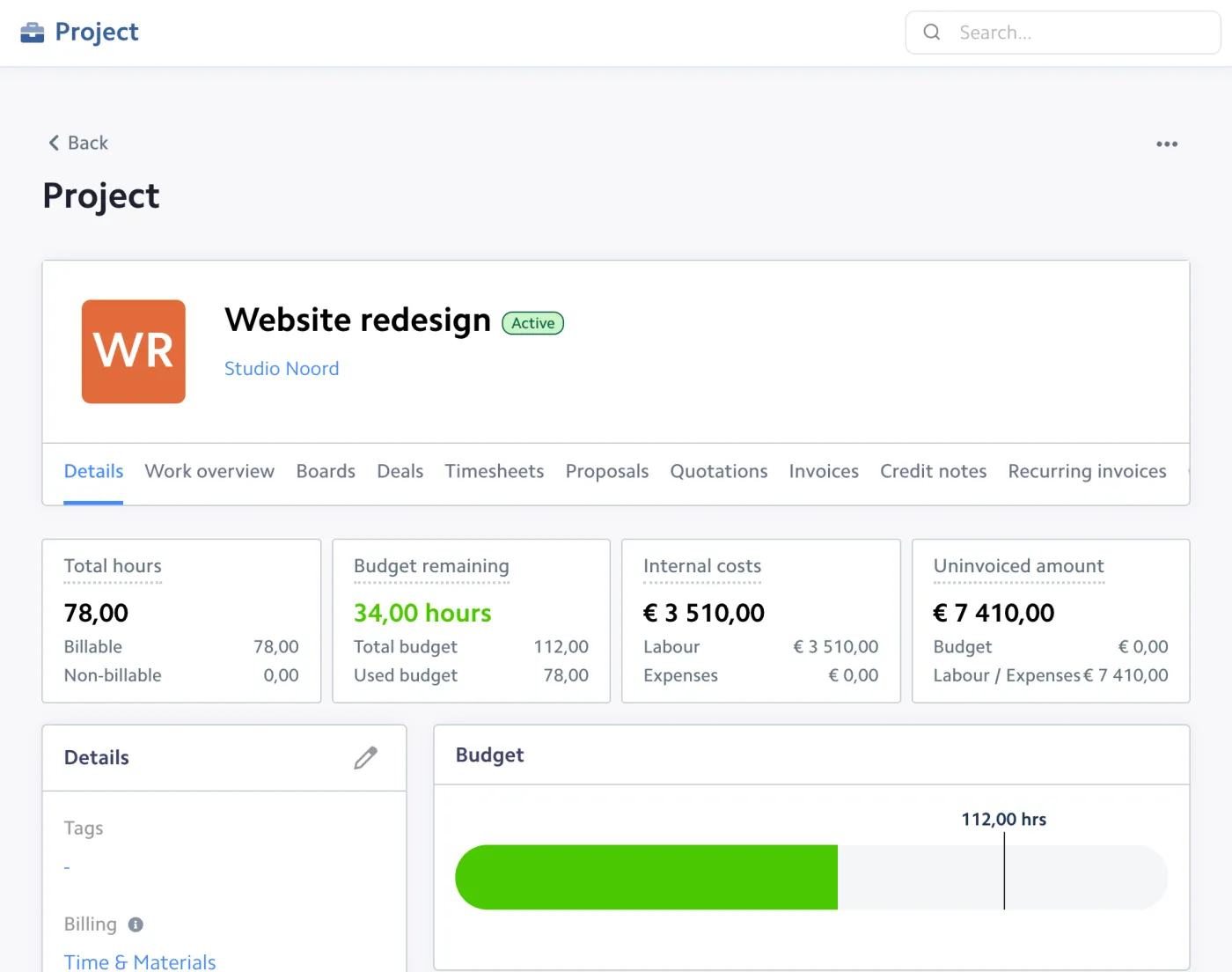
Each project shows its budget, hours worked, costs and invoiced amount. You see at once if a project is on track or running over.
Plan your projects, track every billable hour and invoice them in one click. Bizzey shows budget versus hours in real time, so you know which projects pay off before they end.

Projects, tasks, hours and invoices are connected, so every hour you work ends up on the right invoice.
Each project shows its budget, hours worked, costs and invoiced amount. You see at once if a project is on track or running over.
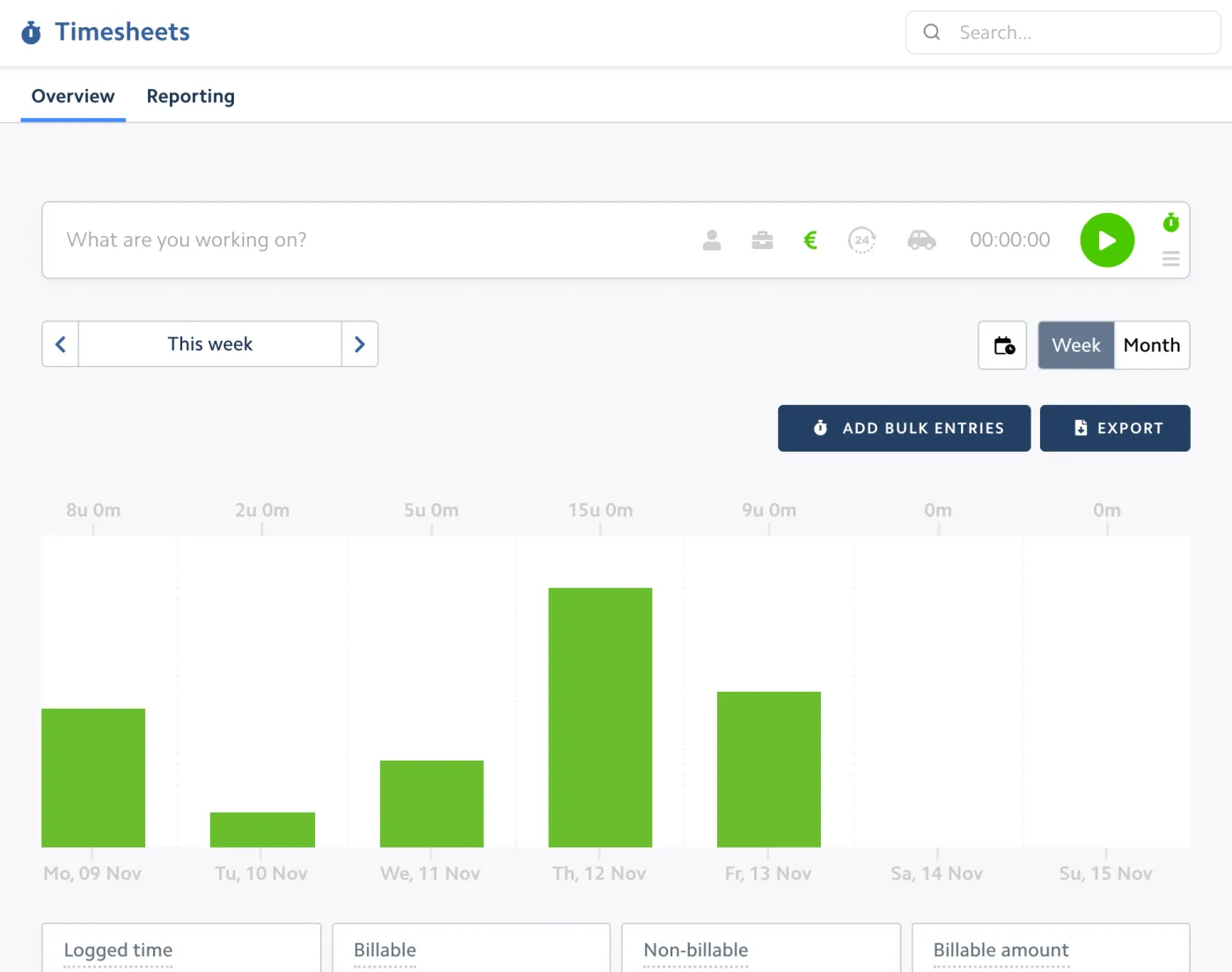
Start a timer, fill in a weekly timesheet or log hours afterwards. Every entry is linked to a customer, project and type of work.
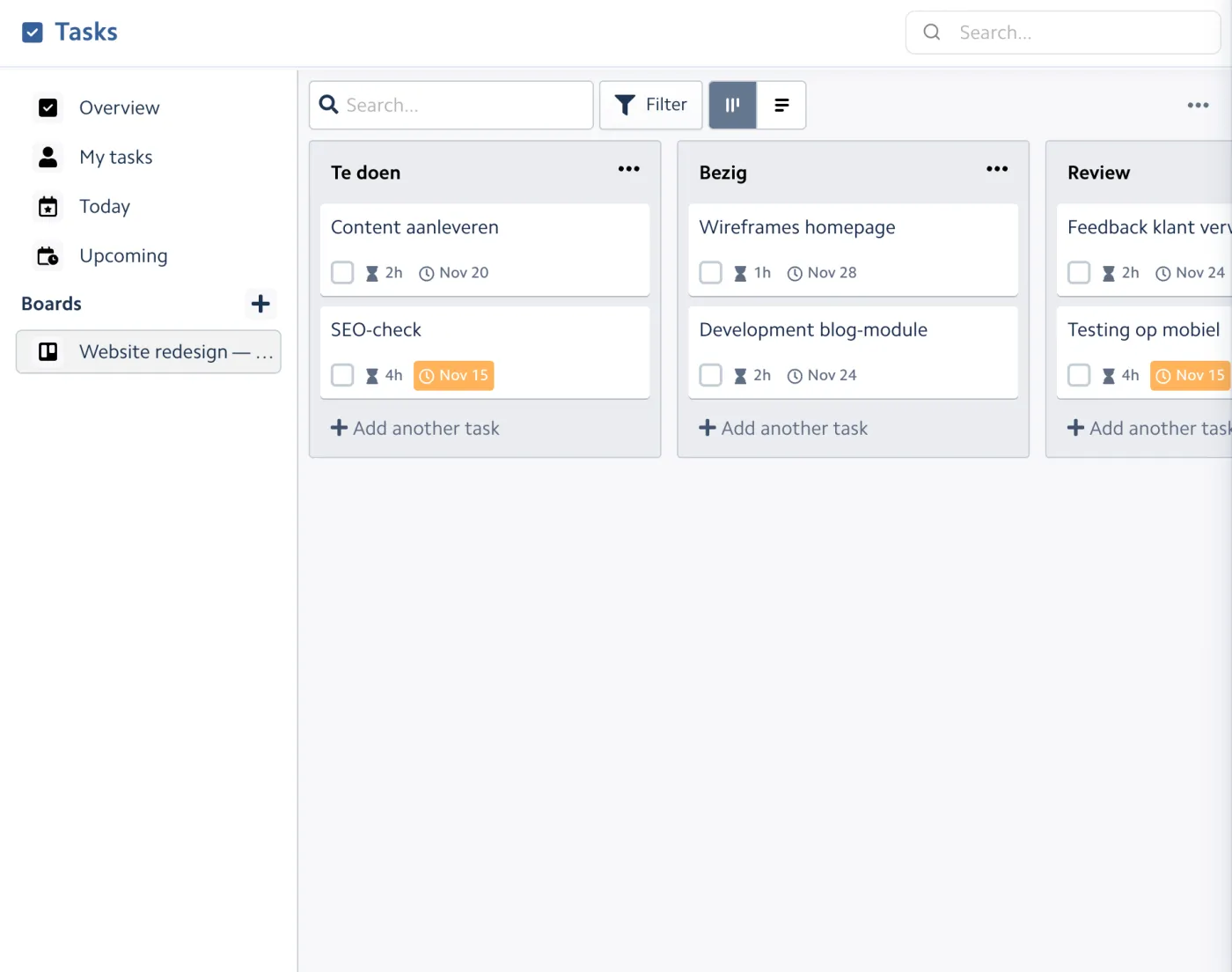
Plan the work on a board with lists, due dates, estimates and checklists, so the whole team knows what is next.
Most SMEs only find out at the end of a project that it took more time than expected. Bizzey shows it while you can still act.
Set a budget in hours or in euros. Bizzey compares it with the hours logged and the costs booked, so you see it coming before the budget runs out.
Billable hours stay ready to invoice until you bill them. Turn them into an invoice per project or per customer in one click, with your rates and rounding rules.
Boards, tasks and a planner show the workload of everyone in your team. Tasks can be linked to customers, projects and deals.
Time reports per customer, project, team member and type of work show where your hours go and how much is billable. Use them to price your next project better.
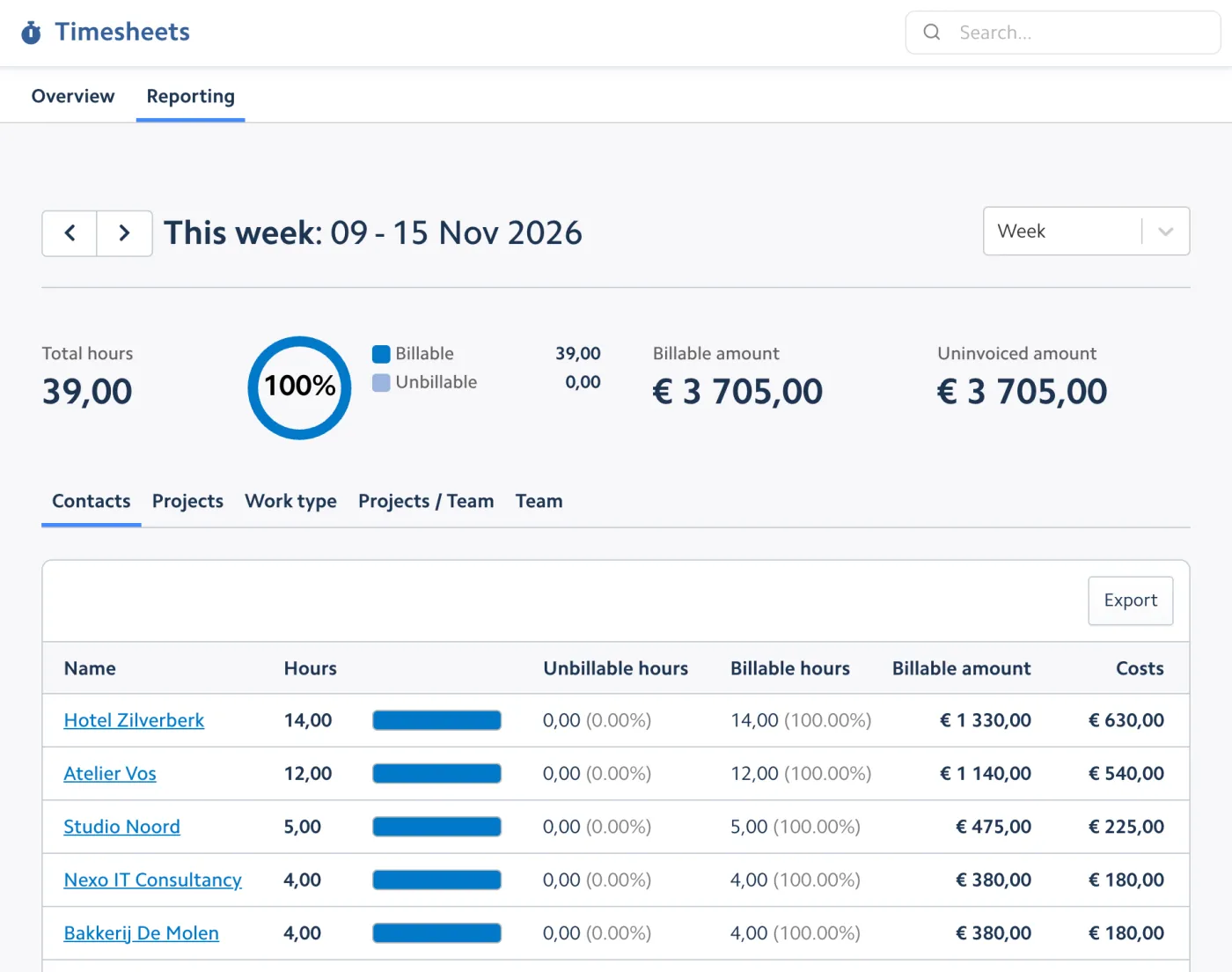
With the Bizzey app in ChatGPT or Claude you can log time and check projects in plain language.
Log 3 hours on Website redesign for Studio Noord today: development blog module
Done. 3 hours have been logged on Website redesign (Studio Noord) for today, as billable.
How much budget is left on Website redesign?
Website redesign has a budget of 112 hours. 78 hours are used, so 34 hours are left.
Proposal, active, on hold, completed.
Budget versus actual, in real time.
Time and materials, fixed price or non-billable.
Start and stop with one click.
Week and month views, bulk entries.
A different rate per type of work.
Round time entries the way you invoice.
Per customer, project and team member.
Lists, labels, due dates and checklists.
See the workload of your team.
From tracked time to invoice in one click.
Revenue, costs and margin per project.
Some nice things people have to say.
“Super useful, user friendly, and always growing in new features.”
 Robin De Smedt
“Great app! A lot of great functionality and very cheap.”
 Charlotte Vandenabeele
“Awesome, I love Bizzey. Just what I need.”
 Laurens Eeklo
Yes. Set a budget in hours or as an amount, choose how you bill the project (time and materials, fixed price or non-billable) and Bizzey follows up hours and costs against that budget.
Use the timer while you work, fill in your weekly timesheet or add entries afterwards. Each entry can be linked to a customer, project and type of work, and marked as billable or not.
Yes. Billable hours that have not been invoiced yet are ready to bill. Create an invoice per project or customer and the hours are added as invoice lines with your rates.
Yes. Every team member tracks their own hours. Reports show hours per person, and the planner shows who has room for more work.
Yes. Each project shows hours worked, costs, invoiced amounts and the remaining budget, so you know the margin while the project is still running.
Yes. Add Bizzey to the home screen of your phone and start or stop the timer wherever you are.
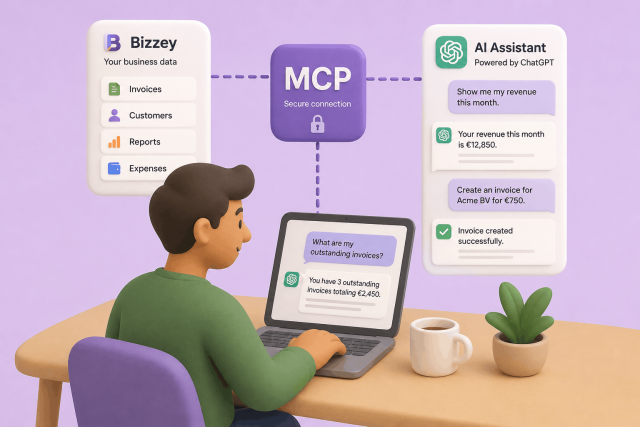
AI assistants are becoming part of many people's daily workflow. They help write content, answer questions, and automate repetitive tasks. With Bizzey MCP, you can now connect your Bizzey account directly to AI platforms such as ChatGPT and other OpenAI-compatible assistants, allowing them to access and work with your business data.
In today's fast-paced digital landscape, efficient customer relationship management (CRM) and targeted email marketing are indispensable tools for businesses striving to stay ahead of the curve.

Sick of uploading your invoices to your accountant manually? Our integration promises to revolutionize financial management between Bizzey and Octopus Accountancy Software.