Time tracking per client and project
Log hours easily per client, project or activity. Use the built-in timer or enter hours manually — works on any device.
Bizzey combines time tracking and invoicing seamlessly in one application. Log billable hours as you work, link them to a client or project and convert them to a professional invoice in one click. The billable hours software that stops revenue slipping through the cracks.
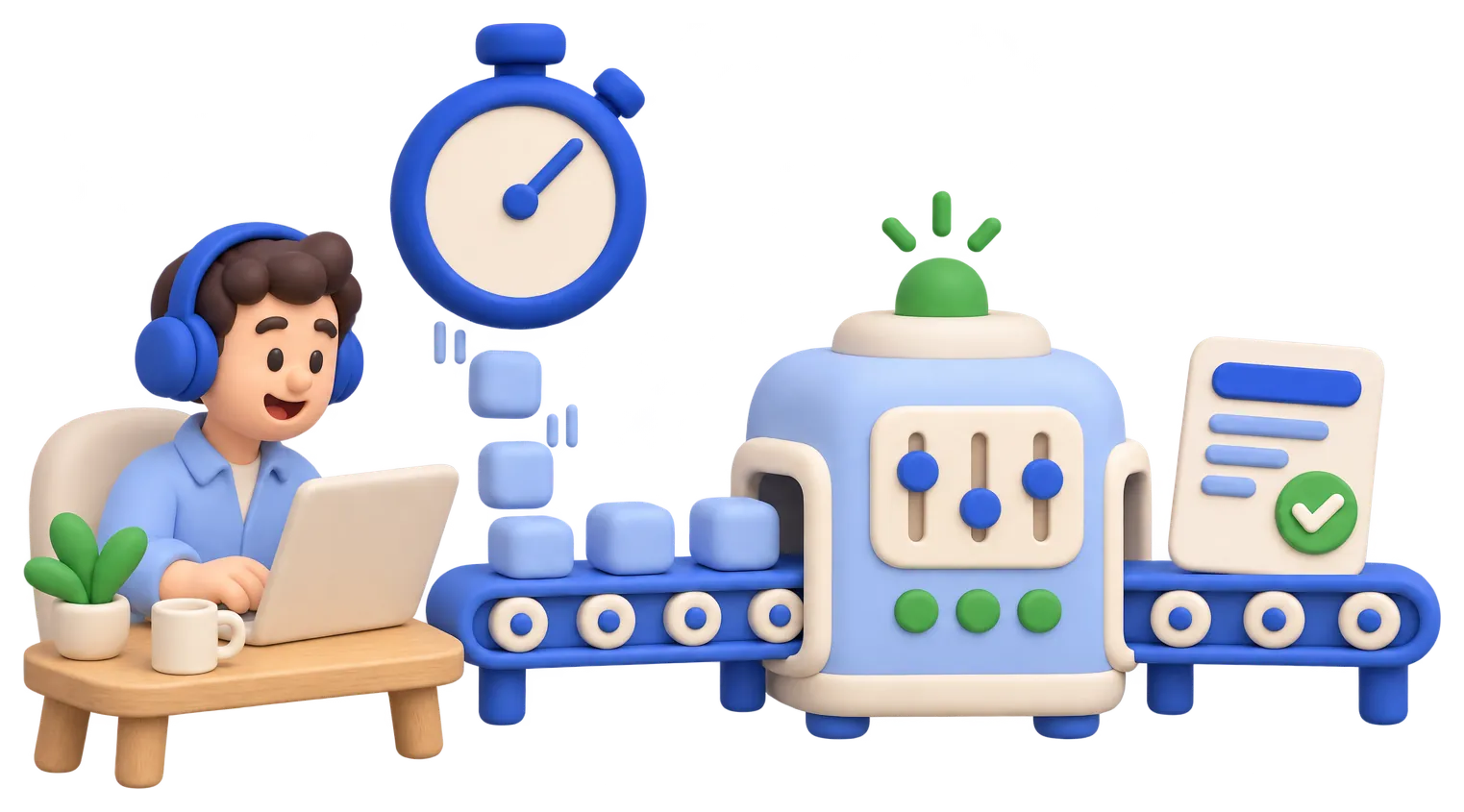
Bizzey time tracking and invoicing software automates every step between logging a hour and getting paid for it.
Log hours easily per client, project or activity. Use the built-in timer or enter hours manually — works on any device.
Select logged hours and generate an invoice automatically. No manual re-entry, no calculation errors.
Mark hours as billable or internal. Bizzey shows you exactly how much billable time is ready to invoice at any moment.
Set different hourly rates per client, project or team member. Bizzey calculates the invoice amount automatically.
See at a glance which hours are invoiced and which are still pending. No more forgotten billable time.
Hours are always linked to a project. See project profitability in real-time and price your work more accurately.
Using separate tools for time tracking and invoicing means double data entry, lost hours and delayed payments. Bizzey keeps it all together.
Some nice things people have to say.
“Super useful, user friendly, and always growing in new features.”
 Robin De Smedt
“Great app! A lot of great functionality and very cheap.”
 Charlotte Vandenabeele
“Awesome, I love Bizzey. Just what I need.”
 Laurens Eeklo
Billable hours stay ready to invoice until you bill them. Create an invoice per customer or project and the hours are added as invoice lines with your rates and rounding rules.
Yes. Start the timer while you work, or fill in a weekly timesheet. Each entry is linked to a customer, project and type of work.
Yes. Use rates per project, per team member or per type of work, so every hour is invoiced at the right price.
Yes. Add Bizzey to the home screen of your phone and start or stop the timer wherever you are.
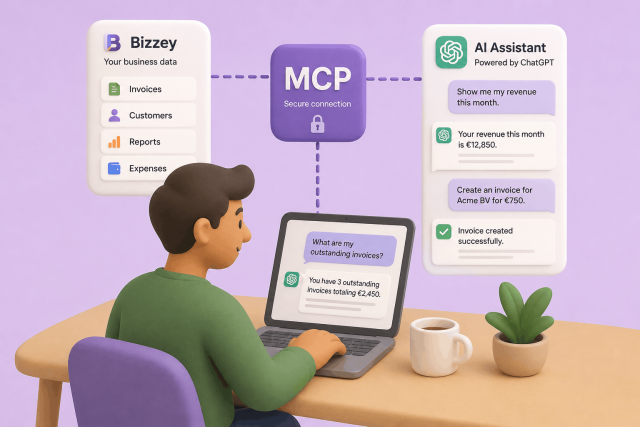
AI assistants are becoming part of many people's daily workflow. They help write content, answer questions, and automate repetitive tasks. With Bizzey MCP, you can now connect your Bizzey account directly to AI platforms such as ChatGPT and other OpenAI-compatible assistants, allowing them to access and work with your business data.
In today's fast-paced digital landscape, efficient customer relationship management (CRM) and targeted email marketing are indispensable tools for businesses striving to stay ahead of the curve.
Sick of uploading your invoices to your accountant manually? Our integration promises to revolutionize financial management between Bizzey and Octopus Accountancy Software.